
Image-to-image generation

Image to image AI editor for consistent visual changes.

MagicPixels turns a source image plus a prompt into a new image, so you can preserve the subject while changing only the parts that matter.

Create your account instantly. Subscribe to unlock generation credits.

image to image AIidentity preservingproduct editscreator workflows
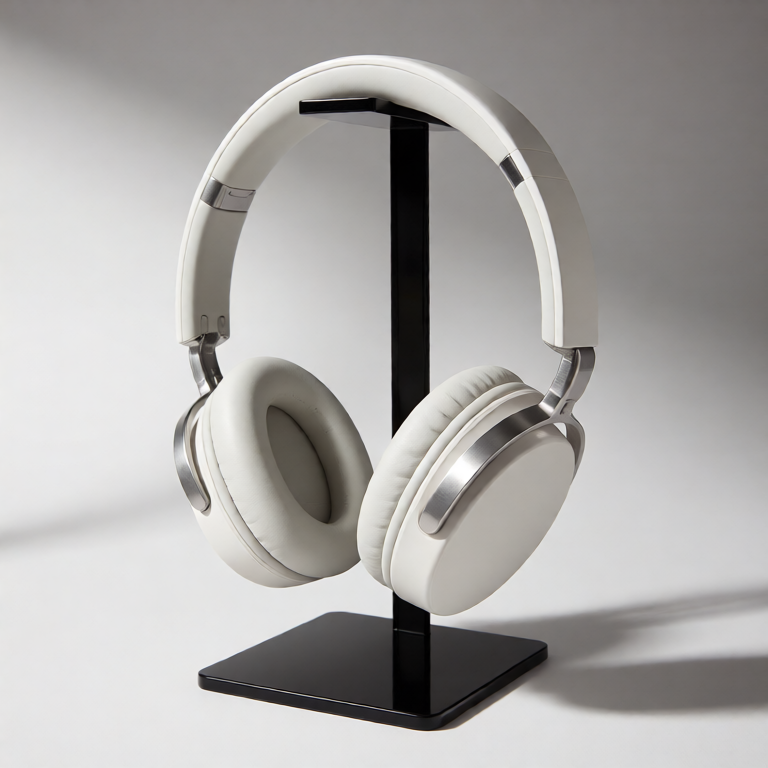
Source product image of white headphones before image-to-image editing.
Source product
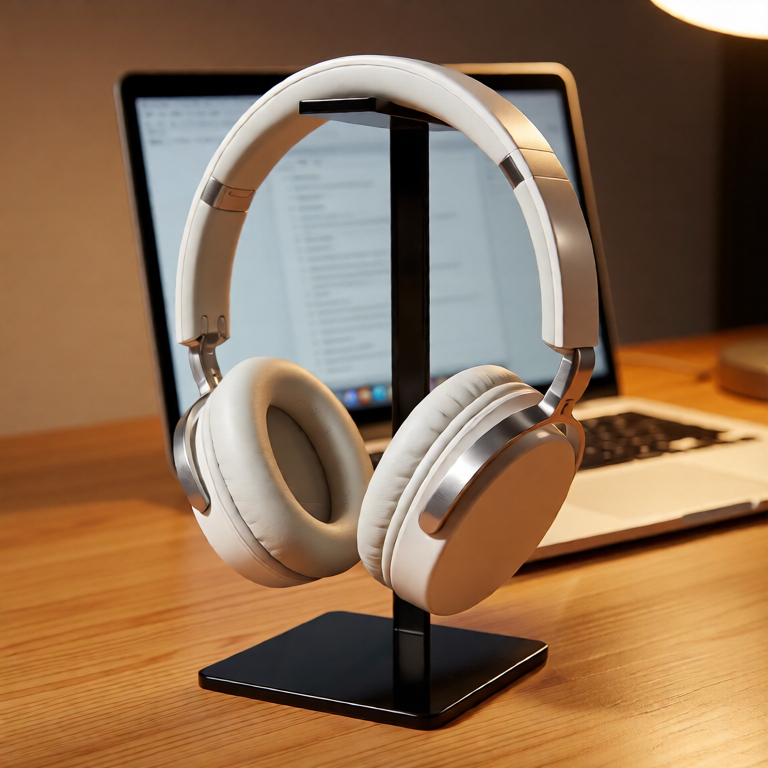
Edited product image preserving the headphones in a new desk environment.
Edited scene

What this mode is good for

  • Good for product shots, profile variants, creator thumbnails, and room redesigns.
  • Prompt templates help preserve faces, product geometry, poses, and composition.
  • Every output can become the source image for another controlled edit.

Workflow

  1. Choose the source image you want to keep recognizable.
  2. Name the invariant details in the prompt.
  3. Describe the single edit target clearly.
  4. Inspect the output before chaining the next image-to-image edit.

Pricing

  • Image-to-image jobs cost 1 credit
  • Text-to-image source frames cost 1 credit
  • API and MCP jobs use the same account credits
  • Result files are retained for five days
One account for app, API, and MCP

Start with this workflow, then keep iterating from the same history.

MagicPixels keeps prompts, credits, uploads, generated assets, API keys, and protected downloads under one account.

FAQ

Is image-to-image different from text-to-image?

Yes. Text-to-image starts from a prompt only. Image-to-image starts from an existing image plus a prompt, which gives the model a source frame to preserve.

Can I chain multiple edits?

Yes. Generate one edit, review it, then use that output as the input image for the next job.

Image to image AI editor for consistent visual changes.

Use image-to-image AI generation to preserve a source subject while changing styling, scenes, lighting, and product environments.

Start image to image