What source photo should I upload?
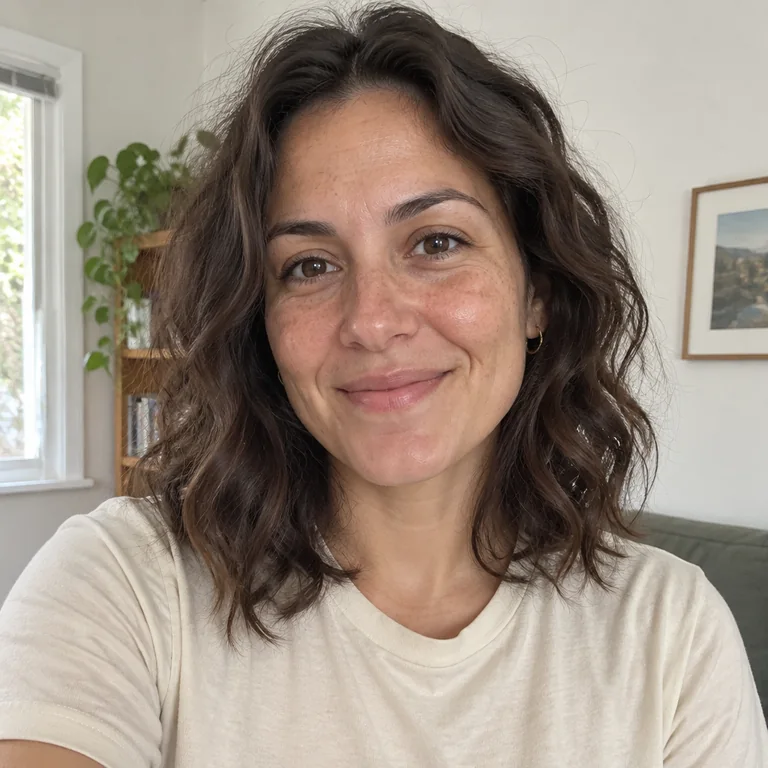
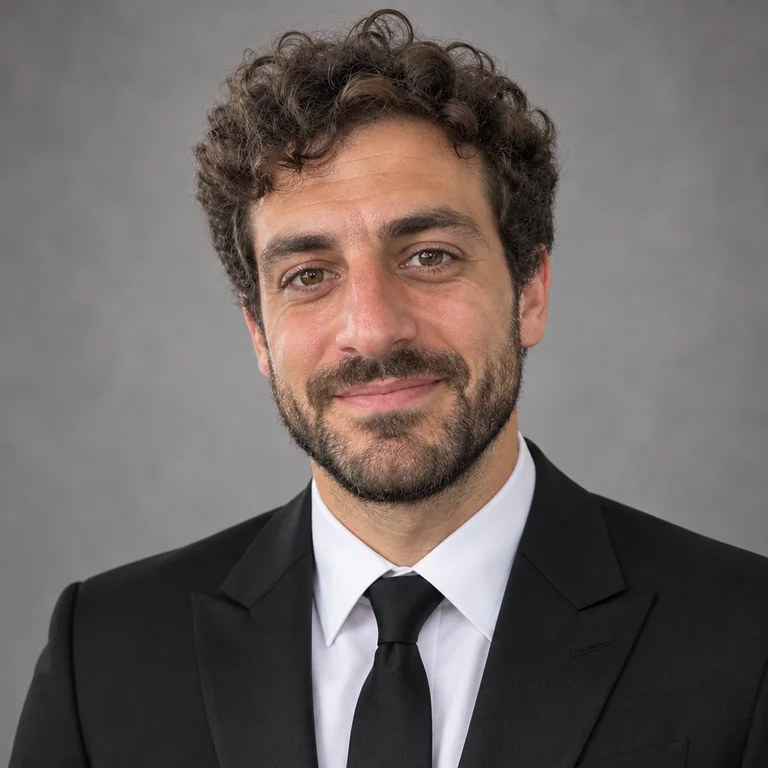
Use a sharp, recent solo photo of yourself as an adult, facing the camera in even light. Include your head and upper body, keep your face visible and avoid heavy filters. You can choose any outfit direction and edit its prompt before generating.
Can I combine two separate selfies into a wedding couple photo?
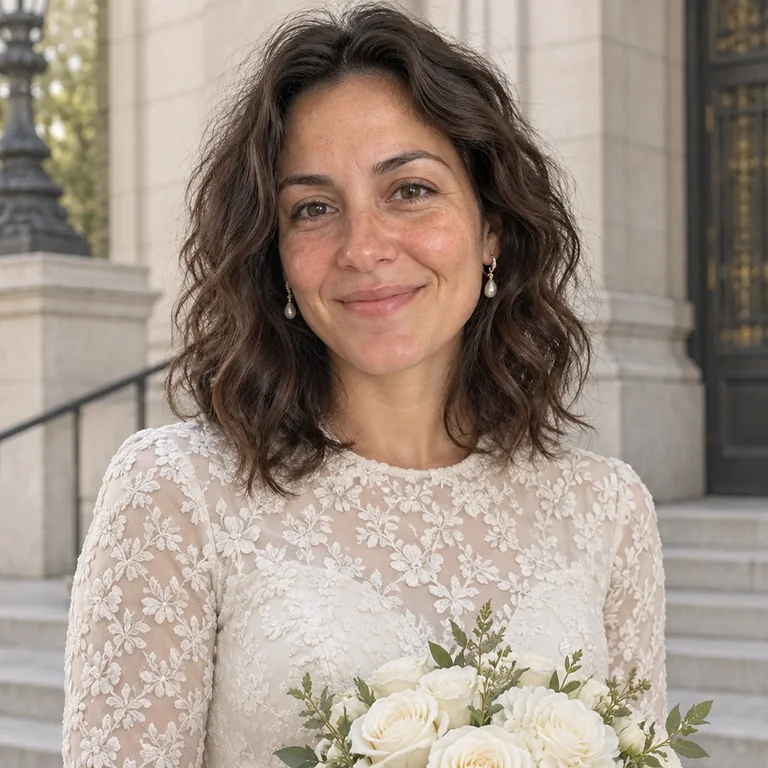
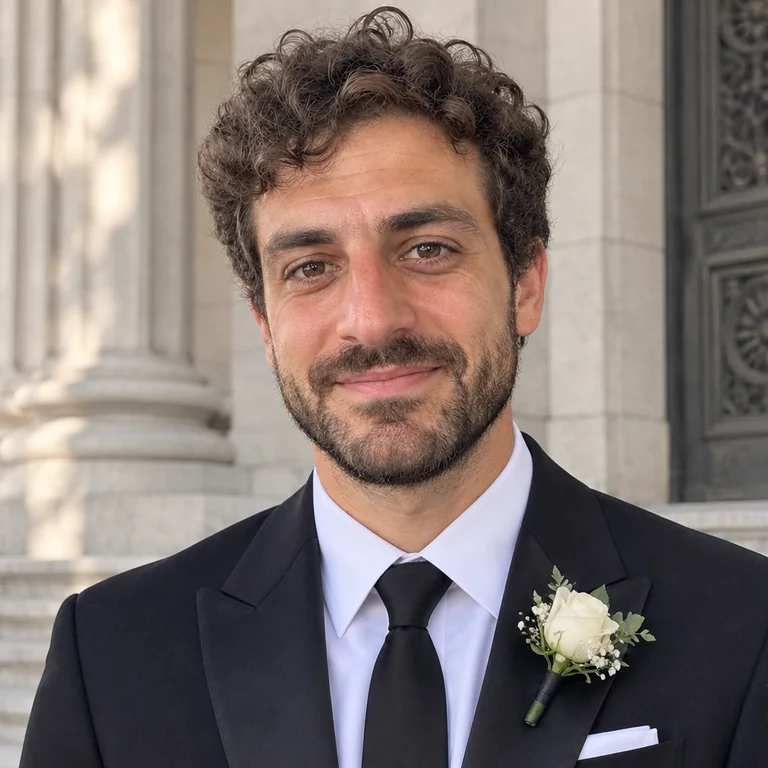
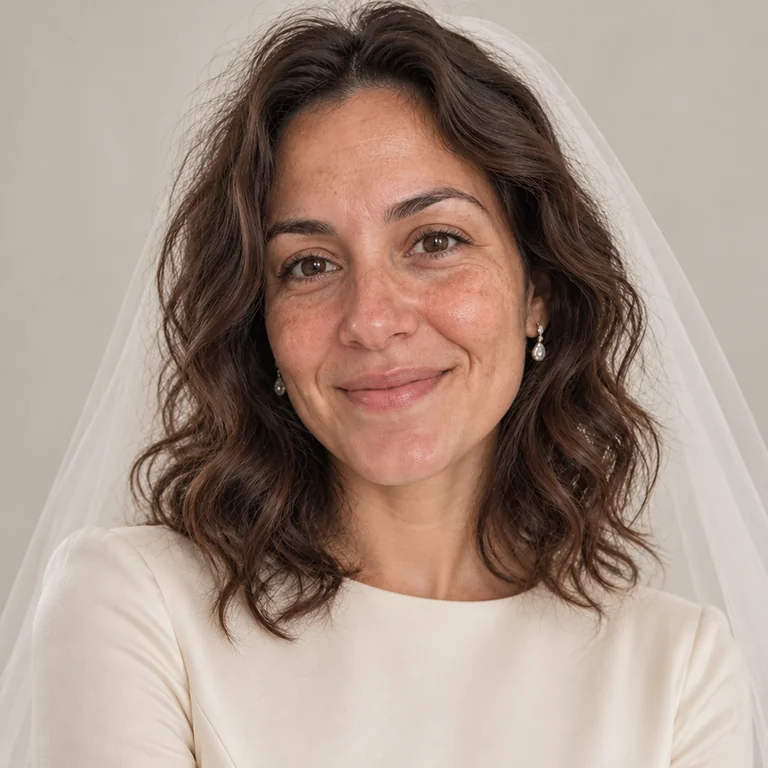
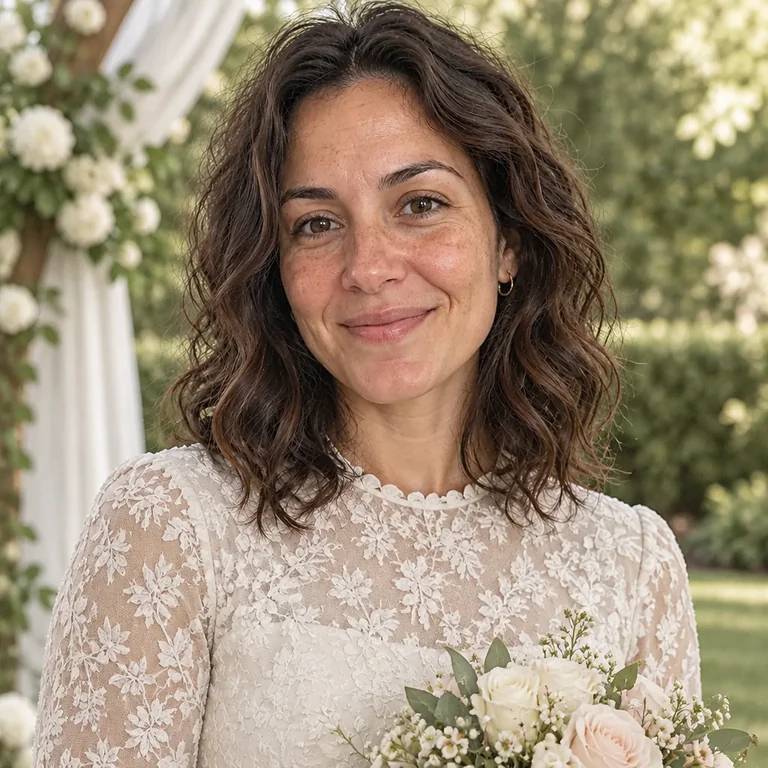
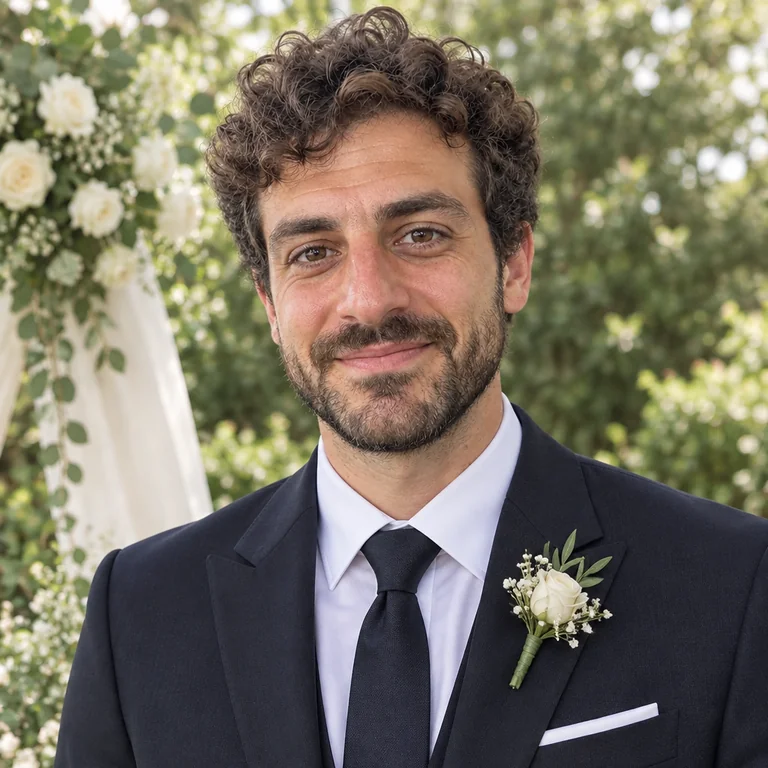
This page offers solo wedding portraits from one uploaded source photo. The studio does not combine two separately uploaded portraits. The examples here show individual adults, including separate source-to-edit pairs for women and men.
Can I preview my exact wedding dress or suit?
You can describe an outfit's color, neckline and general style in the prompt. The current workflow does not accept a separate garment reference, reproduce a specific purchased item exactly or predict how it will fit. Use the result as styling inspiration.
Will the portrait look exactly like me?
The suggested prompts ask to preserve your face, age, expression and natural proportions. Generative edits can still change facial details, hair, accessories or clothing. Compare the whole portrait with your source before choosing what to save.
What can I use an AI wedding portrait for?
Use it for personal styling inspiration, a creative profile picture or an image in your own announcement layout. The generated scene is a creative edit, rather than a photograph documenting a real wedding or a replacement for event photography. Check image dimensions and your printer's requirements before ordering a print.
Can I try a wedding portrait free?
A new MagicPixels account includes 1 free credit. Each generated image or image edit costs 1 credit, and another variation uses another credit. Creator is $9.99/month for 120 credits; Pro is $29.99/month for 400 credits.