
What this mode is good for
- Generate profile photo ideas, thumbnail concepts, and campaign source frames.
- Iterate with image-to-image editing when one output is close but not final.
- Keep app, API, MCP, billing, and history under the same account.
Create a first image from text, edit the best frame, and turn stronger stills into profile photos, thumbnails, product concepts, or short videos.
Create your account instantly with 1 free credit.
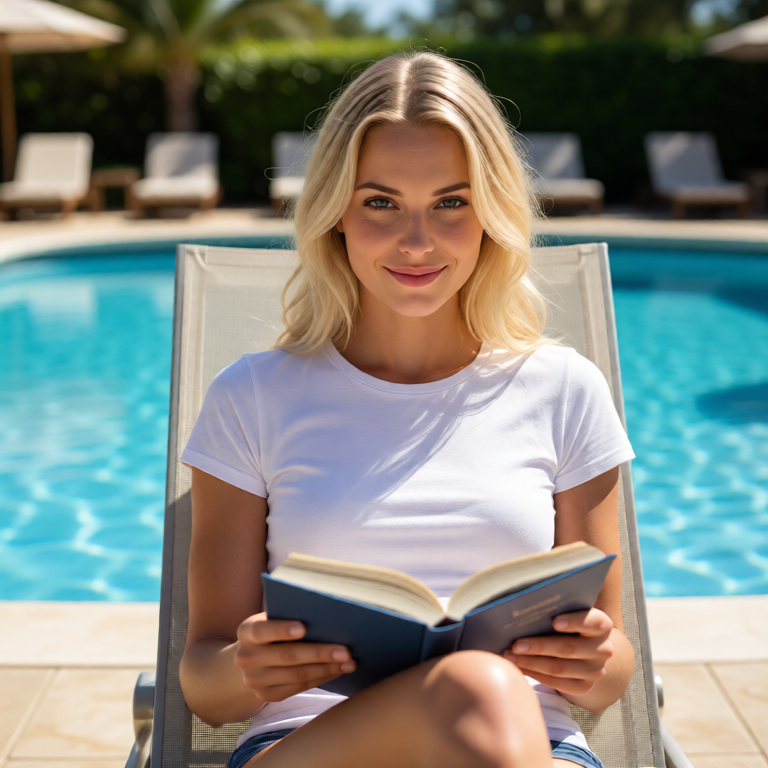
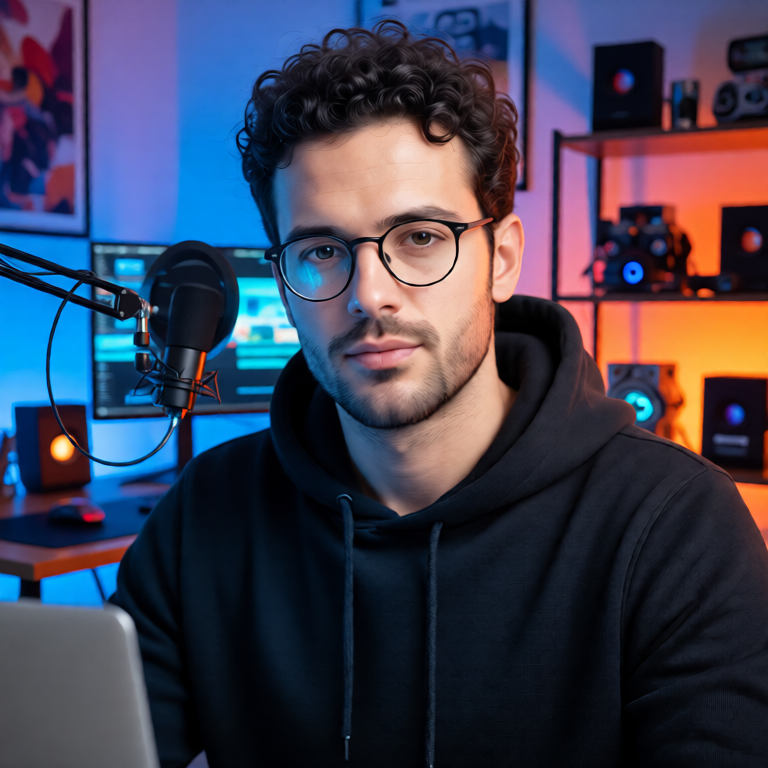
MagicPixels keeps prompts, credits, uploads, generated assets, API keys, and protected downloads under one account.
These pages connect the actual generation modes, so users and search crawlers can move between text-to-image, image editing, video, API, and MCP workflows.
Edit AI images and uploaded source images with prompt-based image-to-image generation, private results, API access, and simple credit pricing.
Open pageImage-to-image generationUse image-to-image AI generation to preserve a source subject while changing styling, scenes, lighting, and product environments.
Open pageImage plus text to videoTurn a source image and narration text into a short talking-avatar style AI video with generated audio and protected downloads.
Open pageTalking-avatar videoCreate short talking-avatar AI videos from a source image, generated voice text, or uploaded audio with MagicPixels.
Open pageAI room redesignRedesign dated rooms from a source photo with AI interior design prompts for Scandinavian, modern, Japandi, and virtual staging concepts.
Open pageREST API for generationUse the MagicPixels REST API to create text-to-image, image-to-image, audio, and image-to-video jobs from your own tools.
Open pageMCP tools for agentsConnect agents to MagicPixels through an MCP endpoint for text-to-image, image editing, audio, video, and account tools.
Open pageYes. Generate a source image, then run image-to-image variants for different lighting, backgrounds, and styling.
Yes. Use a strong still image as the input frame for image-to-video or talking-avatar jobs.
Generate creator photos, profile variants, thumbnails, ad concepts, and source frames for image edits and short AI videos.