

Synthetic source portrait used as the input for this edit.

Changed: festive indoor setting, clothing and warm lighting.
SourceAI editBoth examples below use the source portrait as the actual editing input. Open a look to bring its suggested prompt into the studio, then upload your own photo.
Generated with GPT Image 2.6 Flare (low quality setting), November 2026. All people shown are AI-generated adults. Each pair shows a synthetic source portrait and an actual edit made using that portrait as input. These are visual examples, not customer photos.
Synthetic source portrait used as the input for this edit.
Changed: festive indoor setting, clothing and warm lighting.

Synthetic source portrait used as the input for this edit.
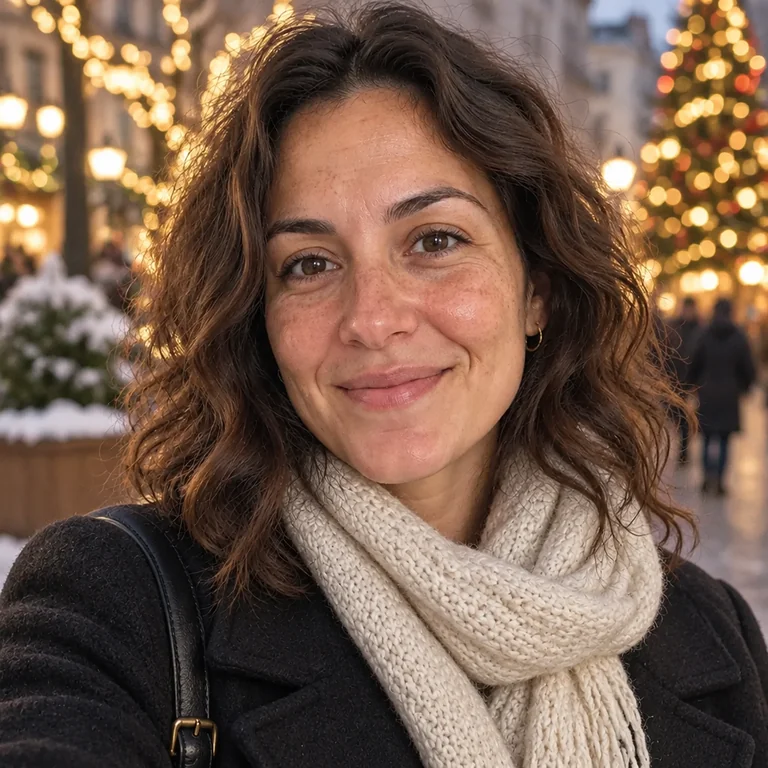
Changed: winter city setting, outerwear and evening lighting.
Each button opens the matching look in the studio. Your selected look stays available through sign-in. Review the studio prompt and adjust it before generating.
Keep your source photo and explore a different occasion or setting.