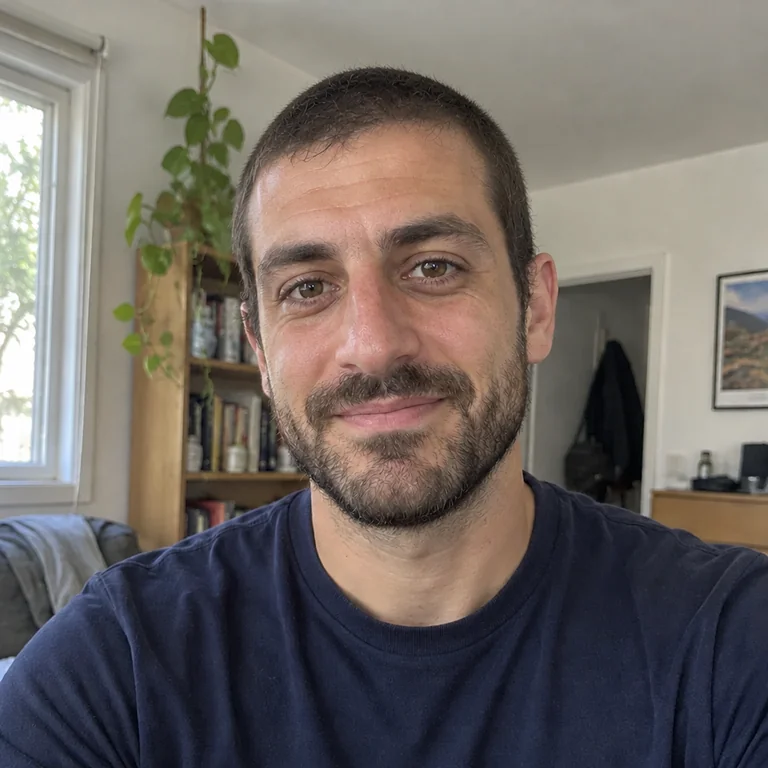
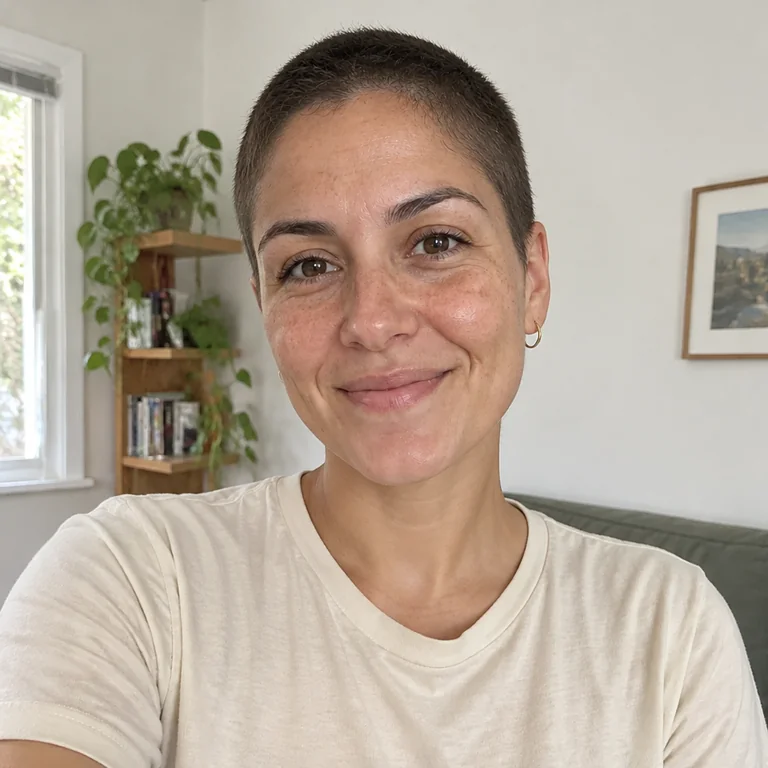
What source photo should I upload?
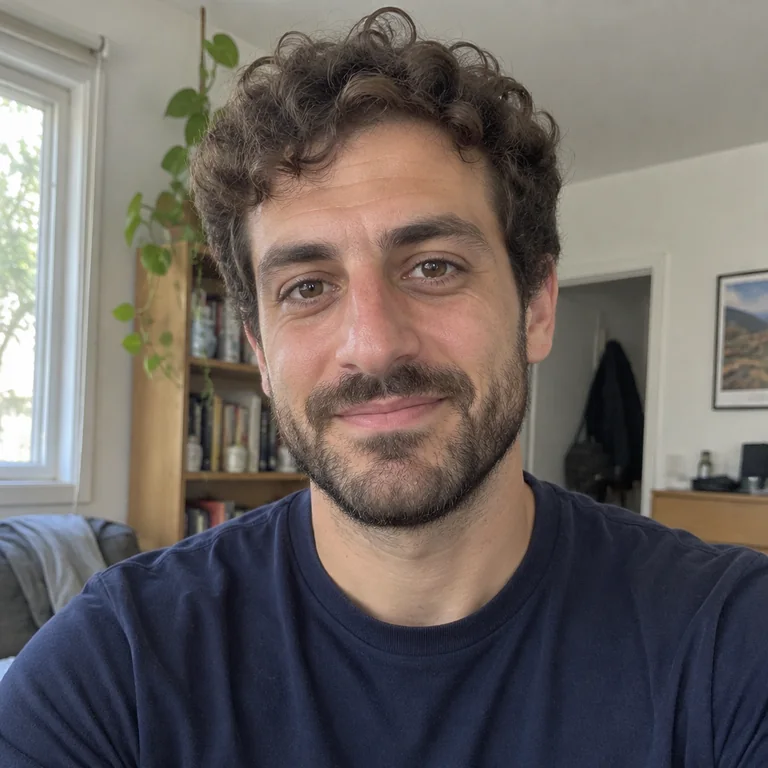
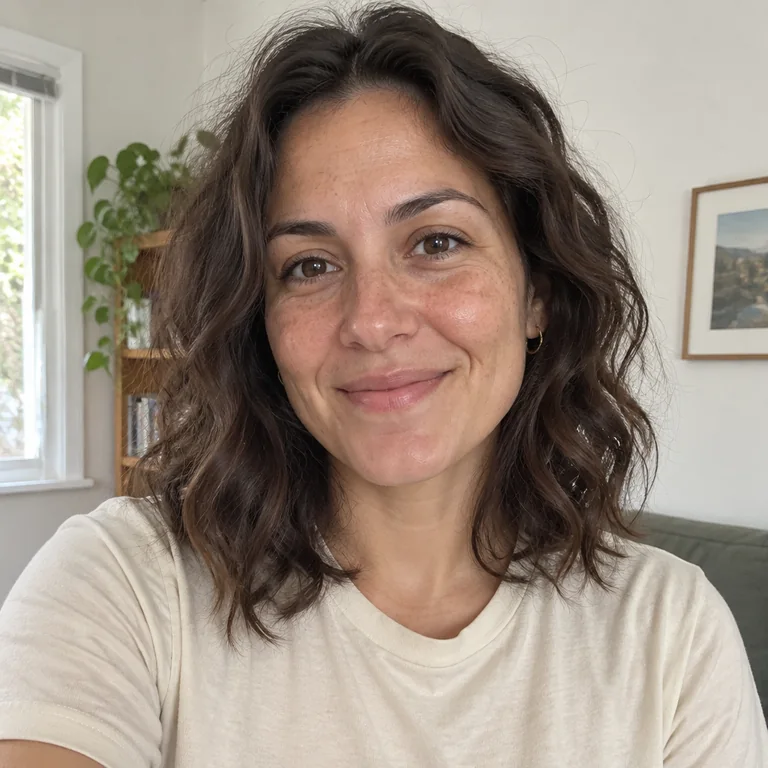
Use a sharp, recent solo portrait of yourself as an adult, facing the camera in even light. Keep your face and the area you want to change clearly visible. Avoid heavy filters, sunglasses and cropped-off hair. The examples below show women and men; you can choose any look and adjust the prompt.
Does the bald filter work for women and men?
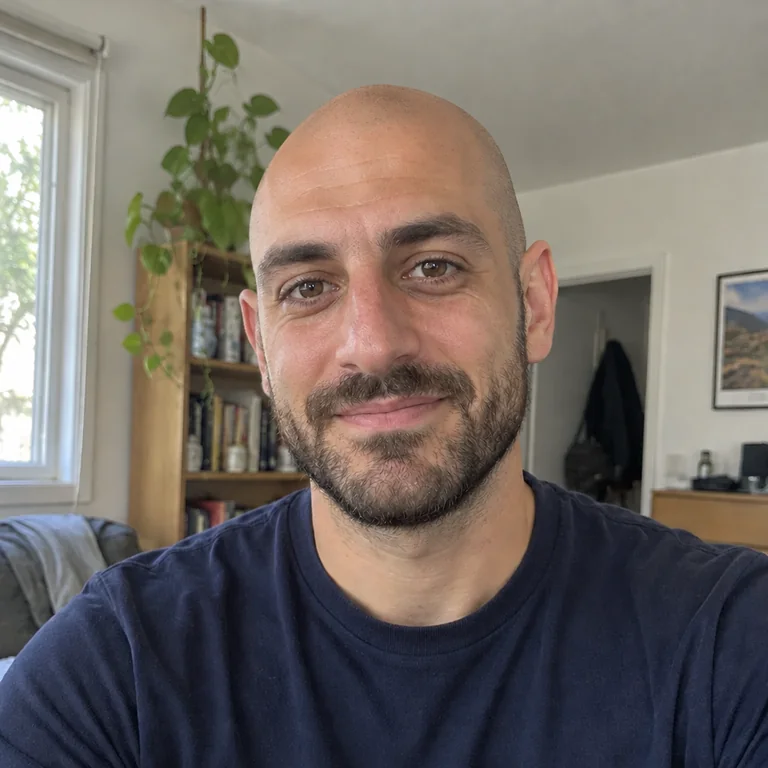
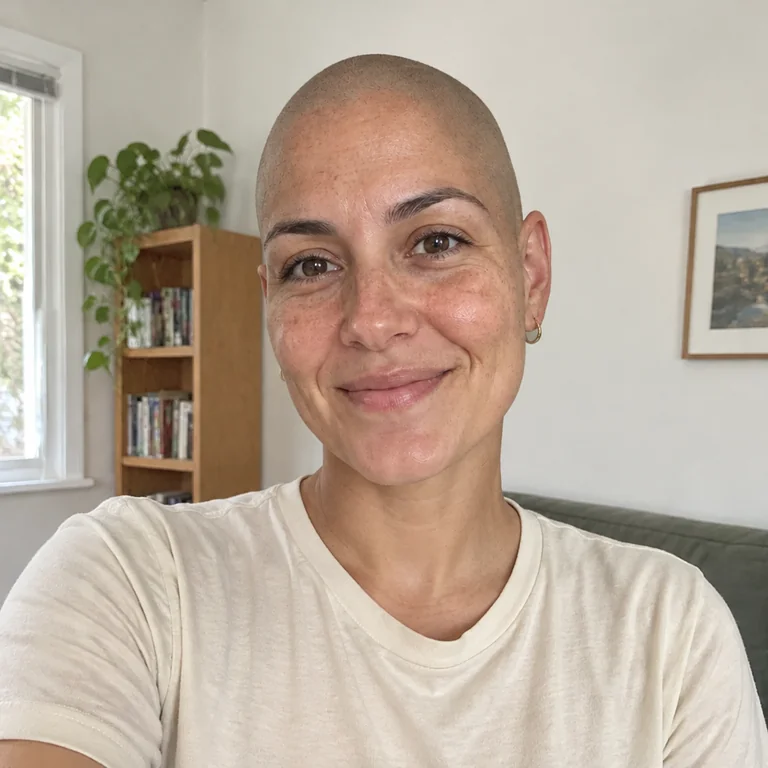
Yes. Both shaved-head and buzzcut looks can be used with a clear solo adult portrait. The examples show independent edits of a woman and a man for each look.
Will this show my exact head shape without hair?
No. The model estimates the parts of the head covered by hair in your source. Compare the face and visible contours, and treat the generated scalp shape as a preview rather than an exact anatomical prediction.
Can I keep my beard and eyebrows?
The suggested prompts ask to keep your beard, eyebrows and facial details while changing head hair. Check these against your source; generative editing can still change details outside the requested area.
Will the rest of my photo stay exactly the same?
The prompts ask to keep your face, age, expression, clothing and background. Generative edits can still change other details. Compare the result with the source, including facial features, skin texture and edges, before choosing what to keep.
Can I try an edit free?
A new MagicPixels account includes 1 free credit. Each generated image or image edit costs 1 credit; another style, variation or refinement uses another credit. Creator is $9.99/month for 120 credits, and Pro is $29.99/month for 400 credits.