
NSFW text to image
Write a short prompt and create an adult-oriented still image without leaving the MagicPixels studio.
MagicPixels gives adult creators one private workspace for NSFW-friendly text-to-image, image-to-image editing, generated audio, and image plus text to video.
Create your account instantly. Subscribe to unlock generation credits.
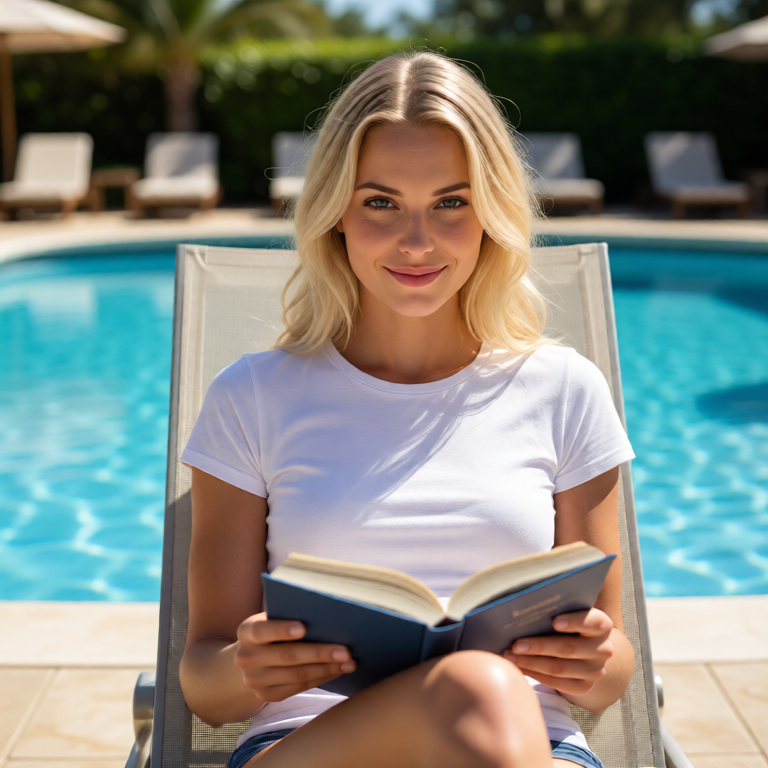
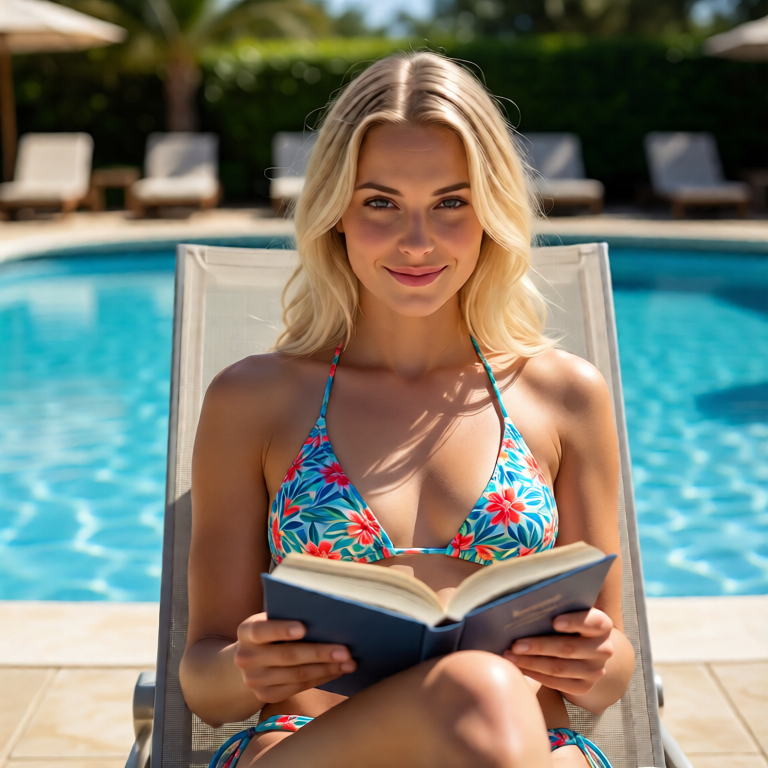
Adult creator concept, cinematic studio lighting, confident subject, private image generation workflow
Use the same account, credits, and protected result URLs whether you are generating a first image from text, revising a source image, producing voice audio, or testing a short video clip from the strongest frame.
Write a short prompt and create an adult-oriented still image without leaving the MagicPixels studio.
Upload a consenting source image and generate a new version with prompt-guided styling, wardrobe, scene, or lighting changes.
Use an image plus narration text to create generated audio and a short talking-avatar style video from one workflow.
Each page in this cluster maps to a real MagicPixels mode, so internal links support search intent and the user path stays practical after the click.
This cluster separates the adult search intent into focused pages for image generation, video generation, editing, and uncensored-image searches.
Create adult-oriented still images from prompts for legal, consent-based creator work.
Open pageImage plus text to videoTurn a selected source image and narration text into a short talking-avatar style video.
Open pagePrompt-based image editsUpload an adult-owned source image and generate a new version with prompt-guided changes.
Open pageNSFW-friendly image creationA practical page for creators searching for fewer mainstream image-generation restrictions.
Open pageMagicPixels supports adult-oriented image generation for legal 18+ creator work. Content involving minors, non-consensual source images, or explicit fake content of real people is not an acceptable use case.
Yes, when you own the source image or have clear consent to use it. MagicPixels image-to-image jobs let you upload a source image and describe the change you want.
MagicPixels supports image plus text to video workflows. You provide a source image and narration text, and the system renders a short talking-avatar style video with generated or uploaded audio.
No. Result URLs require the owner account, and uploaded or generated media is automatically removed from the server after five days unless deleted sooner.
Generate a still image, revise a source image, or create a short image plus text to video render from the same MagicPixels account.